

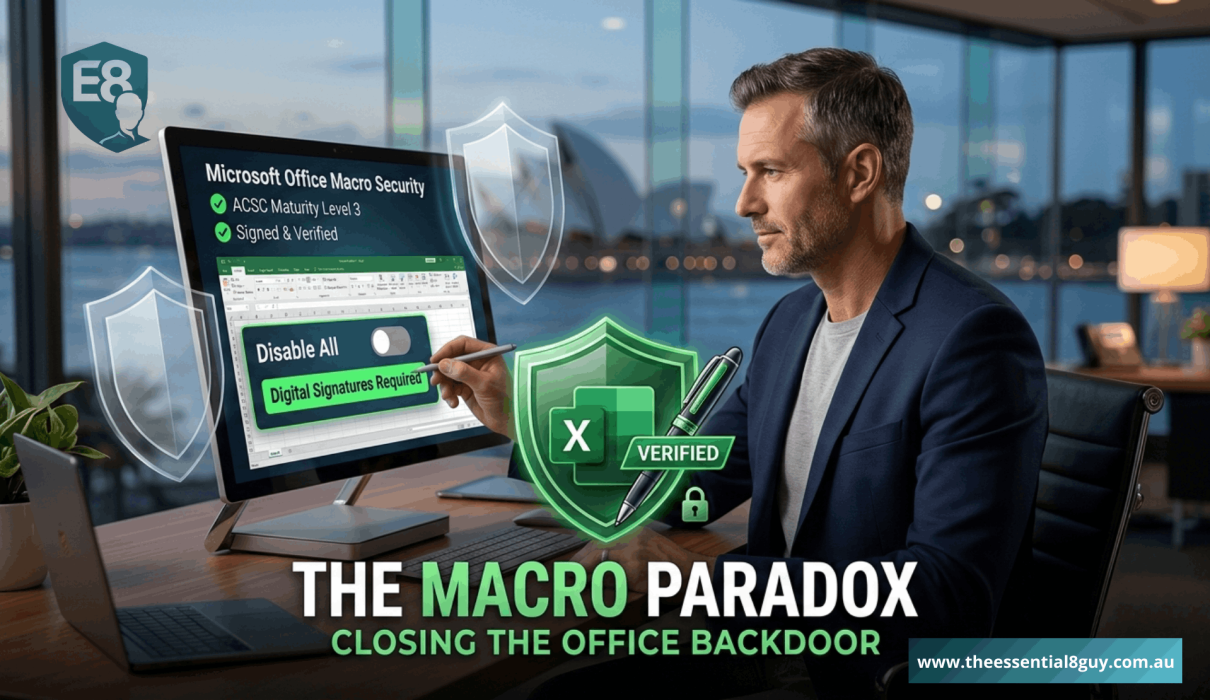
For many IT leaders, Essential Eight Microsoft Office Macro Settings are viewed as a relic of the early 2000s. A minor technical hurdle easily solved by a “Disable All” policy. In The Essential 8 Guy here, my goal is to help leaders shift their mindset, moving away from seeing security as a ‘tech problem’ and toward seeing it as a strategic business advantage. I have seen firsthand that Microsoft Office Macros are the specific pillar where VPs and IT Directors face the most internal friction
Why? Because your organisation’s most critical financial models, supply chain trackers, and legacy reporting tools are likely held together by VBA macros written by a “spreadsheet wizard” who left the company three years ago.
In 2026, the Australian Cyber Security Centre (ACSC) will no longer accept “we need them for business” as an excuse for Level 0 maturity. For leadership, the goal of an Essential Eight Microsoft Office Macro Settings strategy is to move from unregulated execution to a validated trust model that protects the bottom line without halting operations.
1. The 2026 Threat – Why Macros Still Matter for Risk Management
You might wonder why, in an era of AI-driven security and cloud-native apps, we are still talking about Excel macros. The reason is simple… Social Engineering remains the #1 entry point for Australian breaches.
Modern attackers don not “hack” their way in; they “invite” themselves in. A highly targeted phishing email to your CFO, containing what looks like a legitimate “Q3 Audit Report.xlsm,” is still the most effective way to bypass a multi-million dollar firewall. Once that macro is enabled, it initiates a “living-off-the-land” attack.
By failing to secure your Essential Eight Microsoft Office Macro Settings, you are essentially allowing untrusted code to run with the high-level permissions of your most senior staff. The macro doesn’t need to break your encryption; it just uses the user’s existing access to encrypt your files from the inside out.
The Leadership Insight: Macros are not just a technical risk; they are a process risk. If your business relies on untrusted code to function, your Cybersecurity Risk Management 2026 plan is inherently flawed. You are effectively outsourcing your security posture to the clicking habits of your most distracted employee.
Before diving into specific macro configurations, it is vital to understand how this fits into your overall security framework. For a step-by-step breakdown of the full process, you can see our Essential Eight Implementation guide for 2026.
2. Navigating Maturity Levels: From “Vulnerable” to “Validated.”
For a VP or Director, the transition through the Essential Eight Microsoft Office Macro Settings maturity levels is a journey of increasing visibility and architectural control. It is about moving from “Default Allow” to “Strict Governance.”
Maturity Level 1: Blocking the Internet
At Level 1, the goal is simple: Block macros from the internet. Microsoft has made this easier by defaulting to “Block” for files with the “Mark of the Web” (MOTW). As a leader, your job is to ensure this is not bypassed by users who think they have found a “workaround” to open an unverified invoice. This is the “low-hanging fruit” of Ransomware Prevention in Australia.
Maturity Level 2: Trusted Locations & Publishers
This is where the strategy gets sophisticated. Instead of a blanket “No,” you implement Trusted Locations. You tell the system: “Only macros stored in this specific, high-security server folder are allowed to run.” This centralises your risk. If a macro is running, it’s because it’s in a folder that IT monitors and controls. This provides the first layer of a real VBA Macro Security Strategy.
Maturity Level 3: The Cryptographic “Gold Standard”
At ACSC Maturity Level 3, the requirement is that a trusted publisher must digitally sign all macros. This effectively kills the “malicious attachment” threat vector. Even if a file sits in a trusted folder, it wo not execute unless it has a digital “fingerprint” proving your security team vetted it and has not been tampered with by a third party.
3. The Strategic “Cure”: Modernisation over Mitigation
If you are a Director of IT, you shouldn’t just be looking at how to restrict macros, you should be looking at how to eliminate them. Every macro in your environment is a piece of Technical Debt. They are difficult to audit, impossible to version control, and a nightmare for compliance during a merger or acquisition.
- The Opportunity: Use the Essential Eight Microsoft Office Macro Settings mandate as the catalyst to migrate legacy Excel tools into Power BI, Power Apps, or SQL-backed web applications.
- The ROI: You are not just improving security; you are driving Digital Transformation ROI. You are turning a “security chore” into a modernisation win that improves data integrity, speeds up reporting, and allows for better cross-departmental collaboration. In 2026, “Secure” and “Modern” are two sides of the same coin.
4. Managing the “Power User” Friction and Shadow IT
The biggest risk to any security rollout is Shadow IT. If you lock down macros too tightly without providing a functional alternative, your Power Users (usually in Finance, Actuarial, or Engineering) will find ways to bypass your controls, often by using personal, unmanaged devices or unsecured cloud “sandbox” tools.
The Executive Strategy for Adoption
- Identify the “Crown Jewel” Spreadsheets: Use automated scanning tools to see which macros are actually being called. You will likely find that 80% of your macros are obsolete artifacts from retired processes.
- The “Vetting” Workflow: Create a clear, high-priority SLA for vetting and “signing” business-critical macros. If a department head says a macro is vital, IT must support it—but only within a secure, signed framework.
- Strategic Communication: Frame the change not as “IT taking away your tools,” but as “IT protecting the company’s financial integrity and preventing data corruption.”
5. Reporting Macro Resilience to the Board and Insurers
In 2026, Cyber Insurance providers in Australia are looking for more than just a “Yes” on a form. They want evidence of maturity. When you sit down with the Board or the CEO, they don’t want to hear about VBA code or Group Policy Objects. They want to hear about Organisational Resilience.
Use this reporting framework for your next Essential Eight Microsoft Office Macro Settings update:
- Asset Governance: “We have identified and inventoried all automated processes currently running within our Office environment.”
- Threat Reduction: “We have eliminated 100% of untrusted code execution, effectively closing the primary backdoor used in the majority of modern ransomware attacks.”
- Compliance Alignment: “All business-critical automation is now digitally signed and audited, moving us to ACSC Level 3 and lowering our risk profile for insurance renewals.”
6. The “Essential 8 Guy” Leadership Checklist
If you want to know where your organisation stands this week regarding Essential Eight Microsoft Office Macro Settings, ask your technical leads these three specific questions-
- The “Mark of the Web” Check: Are we currently blocking all macros that originate from the internet or email attachments, and do we have a policy against users manually unblocking them?
- The Digital Signature Inventory: Do we have a centralised certificate authority or a process for signing our internal macros?
- The Retirement Roadmap: Which of our top 10 most-used macros can be replaced by a secure Power Platform app in the next six months?
7. The Hidden Cost of Inaction – Liability and Brand
As a VP or IT Director, your role is increasingly defined by Duty of Care. In a post-REvil and post-Medibank landscape, “we didn’t know the macro was dangerous” is no longer a defensible position.
Hardening your Office environment is one of the most cost-effective ways to prevent a “Total Loss” scenario. While a firewall protects the perimeter, Essential Eight Microsoft Office Macro Settings protect the data itself when your people are handling it.
Is Your “Legacy Debt” Keeping You Up at Night?
If you have made it this far, you are likely a leader who knows that Essential Eight Microsoft Office Macro Settings are more than just a technical checkbox, they are a business process challenge.
But here’s the reality… Cybersecurity is a team sport. We have all inherited a “Frankenstein” spreadsheet that nobody dares to touch, or a legacy process that feels impossible to modernise. You are not alone in the struggle to balance ACSC Maturity Level 3 with the day-to-day demands of a fast-moving business.
Drop a comment below, or let’s start a conversation on LinkedIn. The goal of TheEssential8Guy is not just to post guides, it’s to build a roadmap together so we can all stop “updating later” and start building resilience.
What’s your biggest “Macro” headache today? Let’s chat.