

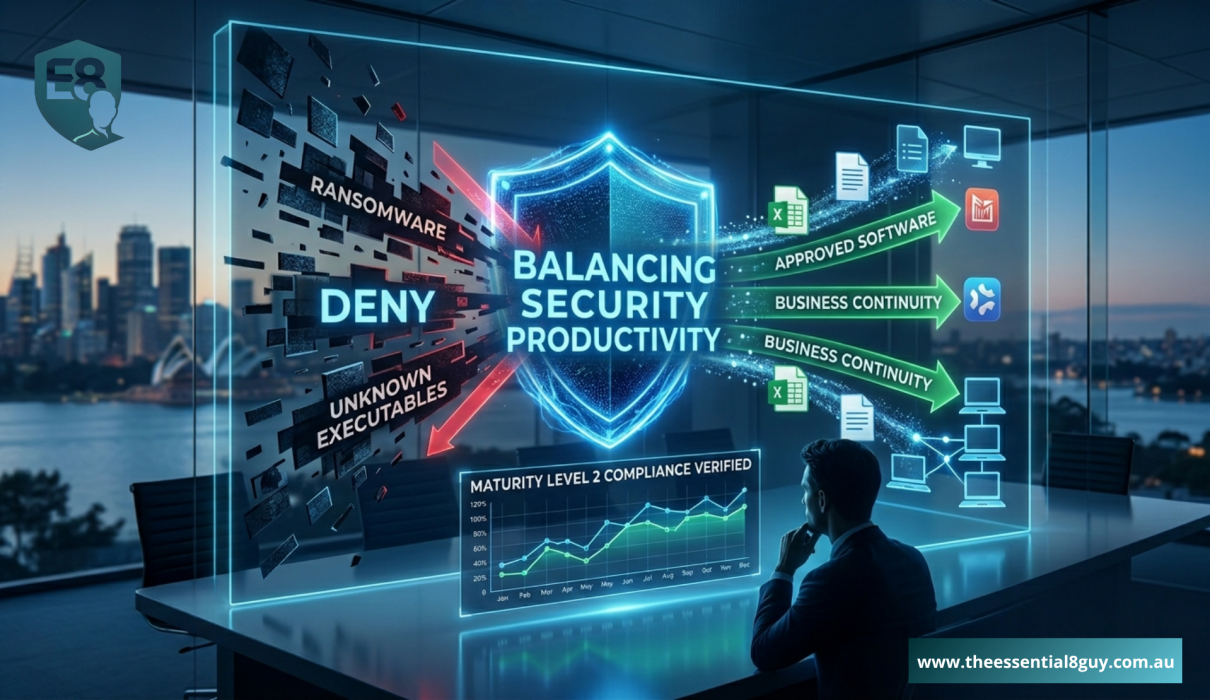
Executive Summary: Application Control is widely regarded as the most challenging technical requirement within the Essential Eight framework for Australian organisations. Unlike traditional antivirus tools, Application Control Essential Eight operates on a strict default‑deny model, allowing only explicitly approved applications to run. To achieve Essential Eight Maturity Level 2 compliance, organisations must accurately identify required software and carefully manage execution rules. If implemented incorrectly, Application Control can block critical business applications and disrupt operations, which is why many organisations engage an experienced cyber security consultant in Australia to deploy this control safely and pass compliance audits.
What is Application Control Essential Eight?
Application Control Essential Eight is a core ACSC mitigation strategy that uses a “default deny” approach to endpoint security. It ensures that only explicitly approved and trusted executables, scripts, and software libraries can execute on your company’s workstations and servers, effectively blocking all unapproved or malicious code.
Why does Application Control the Most Feared Security Measure?
When Australian IT leaders and business owners review the ACSC’s framework, one specific mitigation strategy consistently causes the most anxiety. While setting up multi-factor authentication or tweaking macro settings can be done relatively quickly, deploying Application Control Essential Eight requires an entirely different level of strategic planning.
The fear stems from the core philosophy of the control, default deny. Instead of trying to guess what malicious software looks like and blocking it, application control assumes everything is malicious unless explicitly told otherwise. If an executive tries to run a critical, bespoke financial application that hasn’t been whitelisted, the system will block it, instantly halting productivity.
However, despite this friction, underwriters and auditors demand it. To achieve true Maturity Level 2 compliance, you cannot skip this step. For decision-makers attempting to balance rigorous security with frictionless daily operations, navigating this complex deployment often necessitates the expertise of a specialized cyber security consultant Australia. In this guide, I will break down how to implement this critical control without breaking your business.
How Does Application Control Stop Ransomware?
To understand why the ACSC mandates Application Control Essential Eight, we have to look at how modern ransomware actually deploys.
- The Old Way (Traditional Antivirus): Traditional antivirus software relies on signatures, it checks files against a known list of bad code. If a hacker writes a brand-new piece of malware, the antivirus won’t recognize it, allowing the malicious executable to run and encrypt your servers.
- The Application Control Way: This control flips the script. It does not care if the code is known bad or brand new. If the executable is not on your pre-approved, digitally signed whitelist, the operating system simply refuses to execute it.
This mechanism is exactly why auditors strictly enforce it for Maturity Level 2 compliance. Even if an employee is tricked into downloading a malicious payload via a phishing email, the payload cannot execute. As a seasoned cyber security consultant Australia, I consistently see that environments with correctly configured application whitelisting survive phishing campaigns that completely devastate unprotected businesses.
What Makes Maturity Level 2 Compliance So Difficult?
Achieving Maturity Level 2 compliance with this specific mitigation strategy requires far more than just turning on Windows Defender Application Control (WDAC) or AppLocker.
According to the ACSC guidelines for Application Control Essential Eight, an organisation must not only restrict executables but also control the execution of:
- Software libraries (DLLs)
- Scripts (like PowerShell)
- Installers and Compiled HTML (CHM)
Furthermore, these rules must apply to all workstations and servers. Creating a rule set that allows Microsoft Office to run while simultaneously blocking malicious PowerShell scripts injected into memory requires deep technical nuance. This is the exact point where internal IT teams become overwhelmed, and the intervention of a cyber security consultant Australia becomes a business necessity rather than a luxury.
What Are the Steps to Implement Application Control Essential Eight?
Deploying this mitigation strategy requires a highly structured, phased approach to ensure Maturity Level 2 compliance without causing operational downtime.
1. The Discovery and Auditing Phase
The foundation of Application Control Essential Eight is visibility. Before blocking anything, enforcement tools must be run in “Audit Mode.”
- How it works: Audit mode allows all software to run normally but logs every single executable, script, and DLL that triggers across the network.
- The Objective: This data is typically collected over a 14 to 30-day period to build a comprehensive map of legitimate business applications currently in use.
2. Developing Trusted Publisher Rules
Attempting to whitelist files by their specific file hashes is often unsustainable for Maturity Level 2 compliance because a simple software update changes the hash and breaks the application.
- The Solution: Effective implementation relies on rules based on “Trusted Publishers” (digital certificates) and controlled folder paths.
- The Objective: This ensures that when legitimate software updates automatically, the new versions remain trusted and functional without manual intervention.
3. Gradual Enforcement and Exception Handling
The transition from “Audit Mode” to “Enforce Mode” must be managed carefully to avoid business disruption.
- The Rollout: Enforcement policies are first applied to small, low-risk pilot groups.
- The Refinement: As unexpected blocked actions occur, the rule set is refined and tuned. Only after the environment is stable are the policies deployed across the entire enterprise to finalize Maturity Level 2 compliance.
4. Continuous Monitoring and Governance
Application control is not a “set and forget” project. Maintaining compliance requires an ongoing strategy to handle new software requests and evolving threats.
- The Management: A process must be established to vet new software before it is added to the whitelist.
- The Objective: This ensures that as the business grows, the security posture remains rigid against unauthorized software while allowing for necessary digital transformation.
Expanding Your Defense-in-Depth Strategy
Application control is a powerful shield, but it works best when integrated into a broader security ecosystem. To further harden your environment against the 2026 threat landscape, consider these critical focus areas:
- The Hidden Risks of Local Admin Access: Application control is significantly more effective when users operate with standard privileges. Learn how eliminating local admin rights can neutralize 90% of critical vulnerabilities and simplify your whitelisting journey.
- Securing the Office Productivity Suite: Malicious code often attempts to hide within “trusted” document types. Discover how to configure Microsoft Office macro settings to block sophisticated phishing payloads without disrupting your team’s workflow.
- Verifying Your Compliance Standing: Implementation is only half the battle; verification is what satisfies auditors and insurers. Before you are exposed during a real assessment, an external cyber security consultant Australia can perform a mock audit to close any remaining security gaps.
What Are the Business Benefits Beyond Compliance?
While most businesses initially investigate Application Control Essential Eight strictly to pass an audit or secure insurance, the operational benefits extend much further.
Firstly, you gain absolute visibility into your software ecosystem. You will immediately discover shadow IT—unapproved software that employees have quietly installed. Secondly, by standardizing the applications allowed to run, your helpdesk will experience a massive drop in support tickets related to conflicting software or accidental malware downloads.
Finally, achieving Maturity Level 2 compliance through rigorous application whitelisting drastically lowers your overall risk profile. When you engage a cyber security consultant Australia to implement this correctly, you transform a restrictive IT policy into a massive competitive advantage, ensuring your intellectual property and client data remain locked down against sophisticated threats.
How to Overcome the Maintenance Burden?
The biggest myth surrounding Application Control Essential Eight is that once it is turned on, the project is finished. In reality, maintaining Maturity Level 2 compliance requires an ongoing strategy.
Businesses evolve. New software is purchased, legacy applications are retired, and employee roles change. If your application control policies remain static, they will quickly become a bottleneck to digital growth. This ongoing maintenance is why many organisations retain a cyber security consultant Australia on a long-term advisory basis. We ensure that as your business scales, your policies scale with it, seamlessly integrating new trusted publishers while aggressively defending against emerging threats to maintain your Maturity Level 2 compliance.
Frequently Asked Questions
1. What is Application Control Essential Eight?
Application Control Essential Eight is a core ACSC mitigation strategy that uses a “default deny” approach, ensuring that only explicitly approved and trusted executables, scripts, and software libraries can run on a company’s workstations and servers.
2. Why is this required for Maturity Level 2 compliance?
The ACSC mandates this for Maturity Level 2 compliance because it is the most highly effective method for preventing the execution of modern, targeted ransomware and malicious scripts, even if a user is tricked into downloading them.
3. Do I need an external expert to implement this?
While highly skilled internal teams can attempt it, the risk of breaking critical business workflows is exceptionally high. Partnering with a specialized cyber security consultant Australia ensures the rules are built correctly via audit mode, preventing operational downtime while achieving compliance.
Conclusion – Stop Ransomware Before It Executes
In the modern threat landscape, allowing unknown software to execute freely on your network is a catastrophic risk. While implementing Application Control Essential Eight is undoubtedly challenging, it is the ultimate safeguard against sophisticated cyber attacks. Achieving verifiable Maturity Level 2 compliance in this area proves to your board, your clients, and your insurers that you take data protection seriously.
However, because of the high risk of operational disruption, this is not a project for trial and error. To protect your business and your workflows, you need the steady hand of an experienced cyber security consultant Australia.
Your Next Step
Balancing frictionless business operations with rigid ACSC security frameworks requires careful planning. If you are struggling to implement application whitelisting without disrupting your daily workflows, I can help.
As a dedicated Cyber Security Consultant Australia, I provide guidance on gap analysis, structured rollouts, and policy management. If you need advice on your next steps or a review of your current environment, send me a direct message or via this website to schedule an informal consultation.